
If your phone battery drains faster than it should, you are one of millions facing the same problem in 2025. In every country, from Australia to Nepal, India to the United States, battery drain is easily the most common smartphone complaint. The interesting truth is this — battery drain rarely means a damaged battery. In more than eighty percent of cases, the real issue comes from background processes, misconfigured settings, overheating, poor charging habits, and apps that quietly consume power without your knowledge.
After over twenty years studying smartphone behaviour, mobile optimization, and power-consumption patterns, one thing is clear: small adjustments can dramatically improve battery life. Whether you’re using a flagship like a Samsung Galaxy S series, Google Pixel, or a mid-range Android device, these solutions work everywhere. This is your complete 2025 guide to stopping battery drain and making your phone last longer than ever.
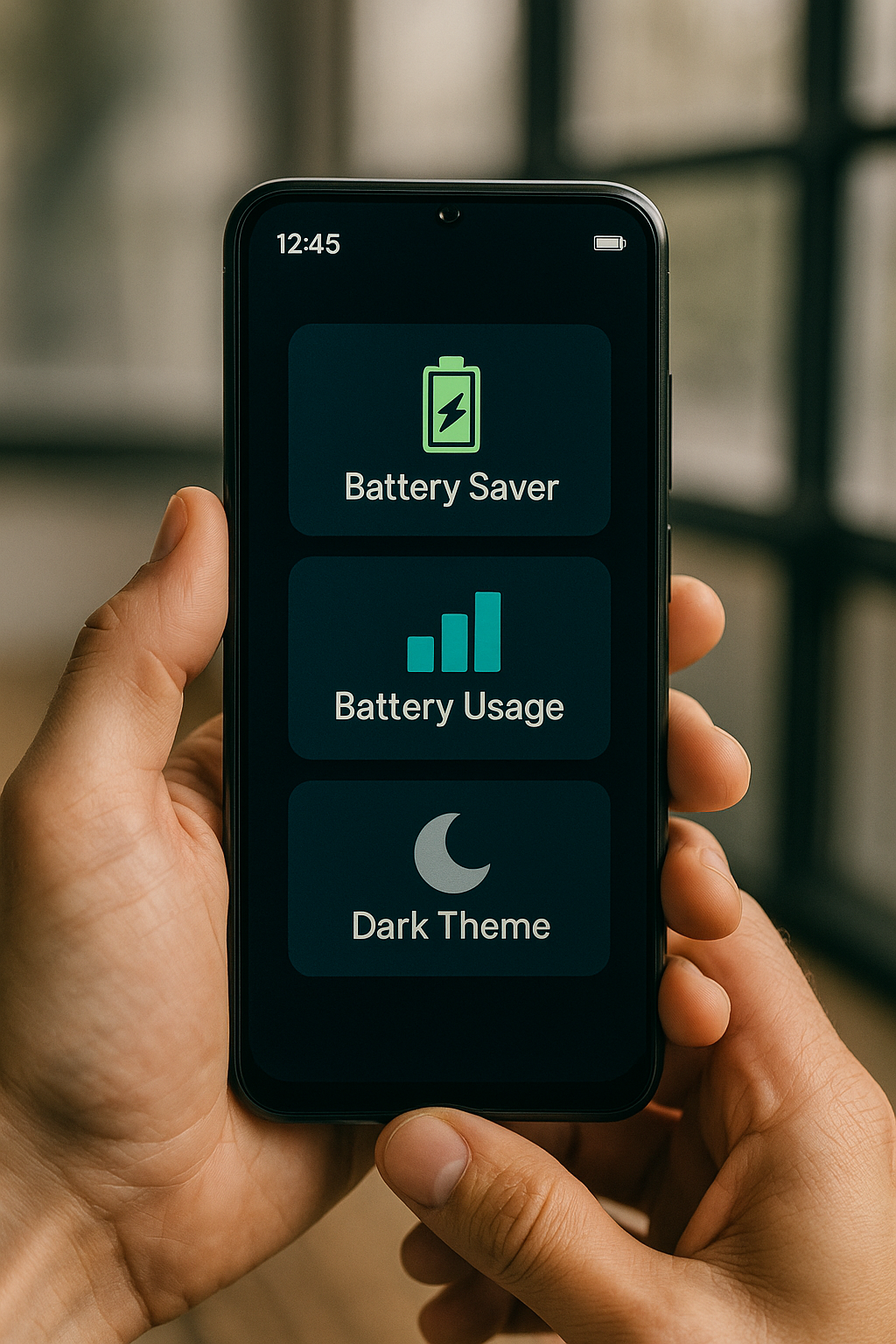
Table of Contents
- 1. Restart Your Phone Weekly
- 2. Turn On Adaptive Battery
- 3. Limit Background App Activity
- 4. Remove Apps You Don’t Use
- 5. Disable Battery-Heavy Features
- 6. Turn Off Wi-Fi & Bluetooth Scanning
- 7. Check Your Battery Usage Report
- 8. Manage Brightness & Screen Time
- 9. Turn On Dark Mode for OLED Phones
- 10. Keep Apps & System Updated
- 11. Turn Off Always-On Display
- 12. Use Original or Certified Chargers
- 13. Avoid Live Wallpapers
- 14. Use Battery Saver Mode
- Bonus: Best Charging Habits for 2025
- Final Thoughts
1. Restart Your Phone Weekly
Restarting your phone once a week is a simple yet powerful habit. It clears temporary files, kills hidden background tasks, resets misbehaving apps, and refreshes system performance. Most battery drain issues caused by stuck processes get fixed instantly with a reboot.
2. Turn On Adaptive Battery
Adaptive Battery is one of Android’s smartest battery-saving tools in 2025. It learns how you use your phone and automatically restricts apps you rarely open. This prevents unnecessary background activity and improves battery lifespan.
Google’s official battery optimization guide
- Open Settings → Battery
- Tap Adaptive Battery
- Enable it
3. Limit Background App Activity
Apps like Facebook, Instagram, Snapchat, TikTok, LinkedIn, Gmail, Uber, Amazon, and various shopping apps remain active long after you close them. They sync, refresh feeds, and track location silently, draining your phone battery.
- Go to Settings → Apps
- Select an app
- Tap Battery
- Choose Restricted
4. Remove Apps You Don’t Use
Unused apps still consume storage, run background permissions, and slow down your phone. If you haven’t opened an app in thirty days, uninstall it. Your battery will thank you.
5. Disable Battery-Heavy Features
Hotspot, GPS, NFC, mobile data, auto-sync, and Bluetooth consume power continuously. Turning off these features when not needed instantly improves battery performance.
6. Turn Off Wi-Fi & Bluetooth Scanning
Even if Wi-Fi or Bluetooth is switched off, your device continues scanning for networks unless you disable the scanning feature manually.
- Open Settings → Location
- Tap Scanning
- Disable Wi-Fi scanning & Bluetooth scanning
Samsung’s official battery care page
7. Check Your Battery Usage Report
Your battery usage report identifies which apps or functions drain the most power. If an unexpected app appears at the top, restrict or uninstall it immediately.
8. Manage Brightness & Screen Time
The display consumes the most power of any smartphone component. Keeping your brightness below 60 percent and reducing screen timeout helps dramatically. For extra savings, reduce animation scale in Developer Options.
9. Turn On Dark Mode for OLED Phones
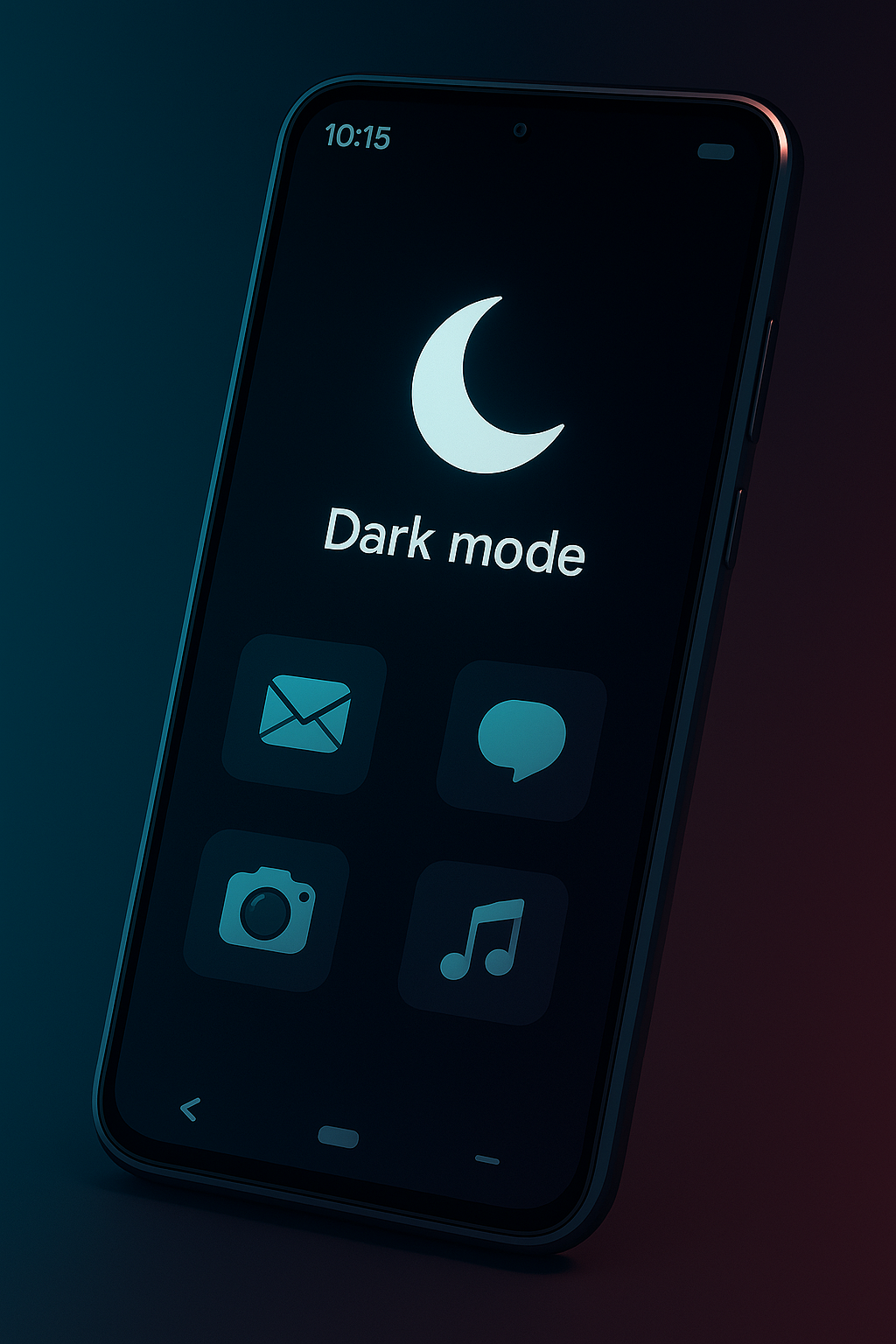
Dark mode saves battery on OLED displays because black pixels use no energy. If you use a Samsung, Pixel, Xiaomi, or OnePlus device with OLED, switching to dark mode saves up to 12 percent battery per day.
10. Keep Apps & System Updated
Outdated apps conflict with newer Android versions and drain battery. Updates include bug fixes, optimization, and performance improvements — especially in power management.
11. Turn Off Always-On Display (AOD)
AOD continuously draws power because it keeps the screen partially active. If your battery is already weak, turning it off adds extra usage hours each day.
12. Use Original or Certified Chargers
Cheap chargers cause overheating, unstable current, and long-term battery damage. Only use original or certified chargers (Samsung, Anker, Belkin, Baseus, Spigen).
13. Avoid Live Wallpapers
Live wallpapers rely on GPU animations that run constantly. They look beautiful, but they drain the battery fast. Choose a static, dark wallpaper for the best performance.
14. Use Battery Saver Mode When Needed
Battery Saver mode in 2025 is intelligent — not aggressive. It reduces unnecessary background activity without slowing your phone. Use it when you’re traveling, low on power, or using your phone heavily.
Bonus: Best Charging Habits for 2025
Your charging habits affect battery health more than anything else. Follow these long-term habits:
- Keep charge between 20% and 80% for best battery health.
- Avoid letting your phone drop to 0%.
- Do not play games while charging.
- Unplug once your battery hits 80–90%.
- Avoid charging in hot environments.
- Use slow charging at night if your phone heats up.
- Do not use fake fast chargers.
With proper habits, your phone battery can easily last 3–4 years without degradation.
Final Thoughts
A fast-draining battery doesn’t mean your phone is dying. In most situations, a handful of smart adjustments can restore battery performance and add hours of daily use. These fourteen proven solutions apply to every Android phone in 2025 and are based on real behaviour, not myths. If you apply these tips consistently, your phone will feel cooler, more efficient, and significantly more reliable.
For more expert mobile guides and daily tech solutions, visit Dokopress — your companion for smarter and safer technology.