
Smartphones have become essential tools for communication, work, entertainment, and nearly every part of modern life. With many phones now costing anywhere from $700 to over $1,500, understanding how to diagnose and address common issues is more important than ever. Whether you’re dealing with a cracked screen, unresponsive buttons, or fast battery drain, knowing what to do can save you both money and time.
This guide breaks down the most common phone issues, what repairs you can safely handle at home, and when you should absolutely seek professional help.
Most Common Phone Problems & Effective Solutions
Frequency: Most common repair worldwide.
DIY: Temporary protector only.
Professional: Screen replacement ($100–$300).
DIY: Disable background apps, reduce brightness.
Pro Help: Replacement battery ($50–$120).
DIY: Clean dust or lint safely.
Pro Help: Port repair ($60–$150).
DIY: Power off immediately, dry gently.
Pro Help: Deep cleaning & corrosion treatment ($80–$200+).
DIY: Clean lens, update software.
Pro Help: Camera module repair ($70–$180).
DIY: Clean speaker grills.
Pro Help: Hardware repair ($50–$120).
DIY: Clear cache, restart, offload unused apps.
Pro Help: Software diagnosis ($40–$80).
DIY Phone Repair: Safe Fixes Anyone Can Do
Beginner-Friendly DIY Repairs
- Install screen protectors
- Replace phone cases
- Clean charging ports
- Troubleshoot software issues
- Clean SIM card and tray
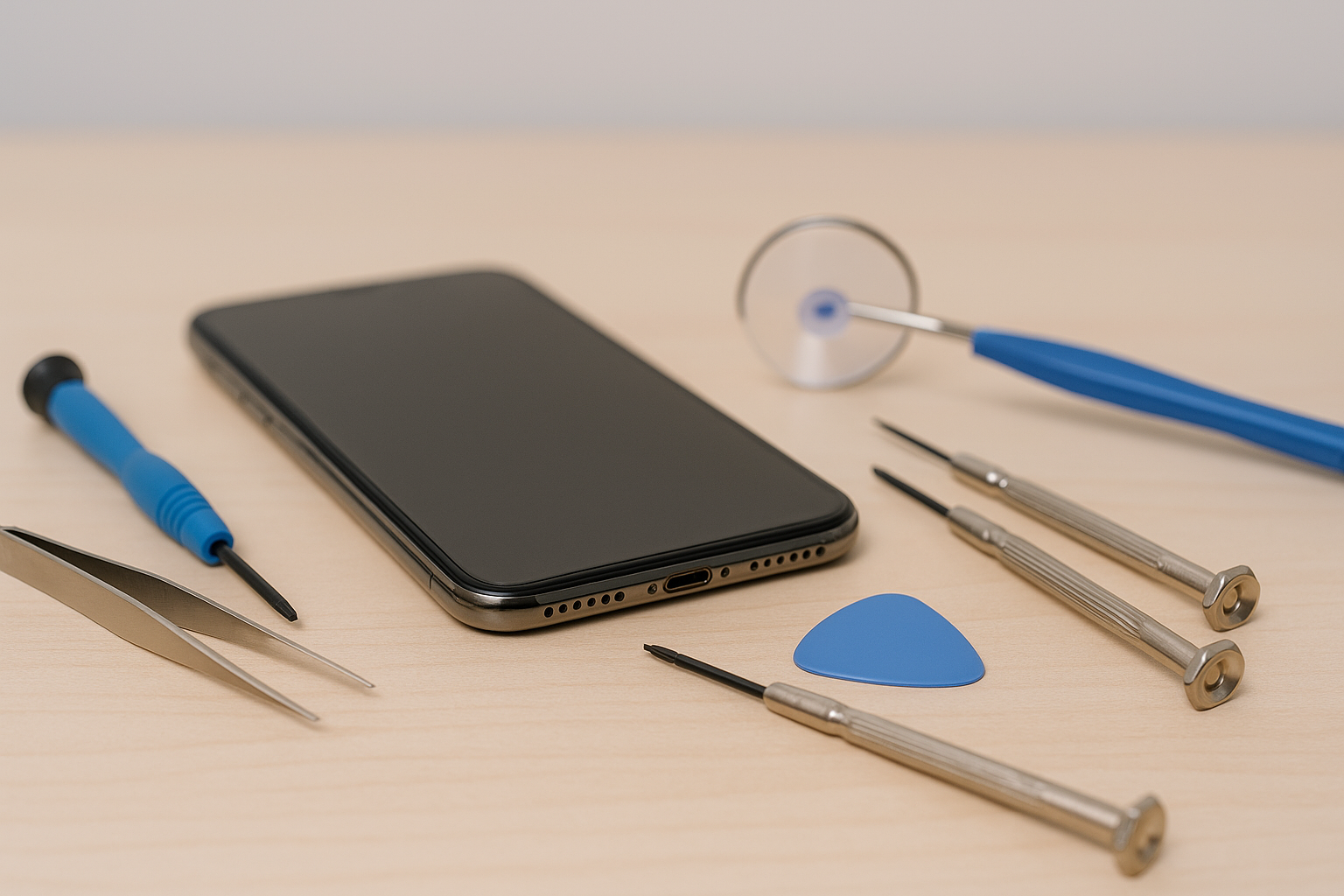
Tools Every Phone Owner Should Have
- Microfiber cloth
- Compressed air
- Plastic pry tools
- Precision screwdrivers
- Spudger tool
- Quality screen protectors
When You Should Seek Professional Repair
Some tasks require advanced skills and tools. Professional help is recommended for:
- Motherboard issues
- Face ID / fingerprint sensor repair
- Deep water damage
- Battery swelling
- Back glass replacement on newer models
- Micro-soldering jobs
Average Repair Costs
| Repair Type | Cost | Professional? |
|---|---|---|
| Screen Replacement | $100–$300 | Yes |
| Battery Replacement | $50–$120 | Yes |
| Charging Port | $60–$150 | Yes |
| Camera Repair | $70–$180 | Yes |
| Water Damage | $80–$200+ | Yes |
Prevention: The Cheapest Repair Strategy
Use protective gear: Good case + screen protector prevent most damage.
Clean regularly: Ports, lens, speakers.
Avoid overheating: Don’t charge under pillows or in hot cars.
Backup weekly: Never lose important data.
Final Thoughts
A little knowledge goes a long way in maintaining your smartphone. While basic cleaning and software fixes are safe to perform at home, advanced repairs should always be left to professionals.
Protect your device, maintain it regularly, and act quickly at the first sign of trouble to avoid major repair costs.